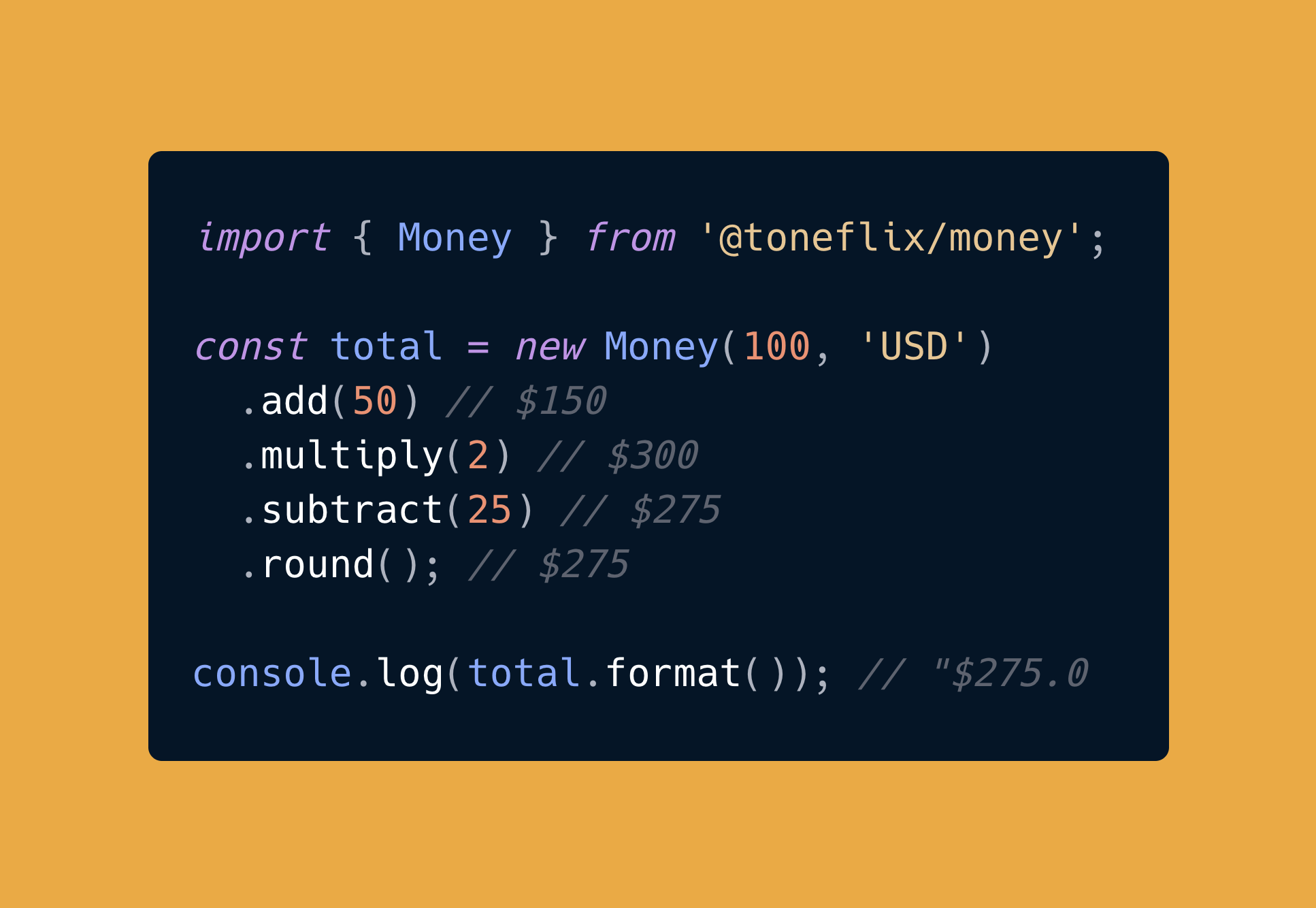
Money Formatting
Learn how to format currency amounts with @toneflix/money.
Basic Formatting
The simplest way to format currency is using the static format() method:
typescript
import { Money } from '@toneflix/money';

Money.format(1234.56, 'USD'); // "$1,234.56"
Money.format(1234.56, 'EUR'); // "€1,234.56"
Money.format(1234.56, 'GBP'); // "£1,234.56"
Money.format(1234.56, 'JPY'); // "¥1,234.56"
Instance Methods
Create a Money instance for more formatting options:
typescript
const money = new Money(1234.56, 'USD');

money.format(); // "$1,234.56" - Full formatting
money.whole(); // "$1,234" - No decimals
money.compact(); // "$1.2K" - Compact notation
Compact Notation
Display large amounts in a more readable format:
typescript
Money.compact(999, 'USD'); // "$999"
Money.compact(1234, 'USD'); // "$1.2K"
Money.compact(1234567, 'USD'); // "$1.2M"
Money.compact(1234567890, 'USD'); // "$1.2B"
Money.compact(1234567890123, 'USD'); // "$1.2T"
Negative Numbers
Handle negative amounts with different styles:
typescript
const money = new Money(-1234.56, 'USD');

// Minus sign (default)
money.setNegativeStyle('minus');
money.format(); // "-$1,234.56"

// Parentheses (accounting style)
money.setNegativeStyle('parentheses');
money.format(); // "($1,234.56)"
Default Currency
Set a default currency for all Money instances:
typescript
Money.setDefaultCurrency('EUR');

const money = new Money(100); // Uses EUR
money.format(); // "€100.00"
Currency Symbols
Get the currency symbol or code:
typescript
const money = new Money(100, 'USD');

money.currencyCode(); // "USD"
money.currencySymbol(); // "$"

// Static methods
Money.currencyCode(); // Current default currency code
Money.currencySymbol(); // Current default currency symbol
Supported Currencies
The library supports all major world currencies including:
- 🇺🇸 USD (US Dollar)
- 🇪🇺 EUR (Euro)
- 🇬🇧 GBP (British Pound)
- 🇯🇵 JPY (Japanese Yen)
- 🇨🇦 CAD (Canadian Dollar)
- 🇦🇺 AUD (Australian Dollar)
- 🇨🇭 CHF (Swiss Franc)
- 🇨🇳 CNY (Chinese Yuan)
- 🇮🇳 INR (Indian Rupee)
- And many more...
See the Currency Type for the complete list.