Quick Start
Get up and running with @toneflix/money in minutes.
Money Formatting
Format numbers as currency with proper symbols and formatting:
import { Money } from '@toneflix/money';

// Static formatting
Money.format(1234.56, 'USD'); // "$1,234.56"
Money.format(1234.56, 'EUR'); // "€1,234.56"
Money.format(1234.56, 'GBP'); // "£1,234.56"

// Instance formatting
const money = new Money(1234.56, 'USD');

money.format(); // "$1,234.56"
money.whole(); // "$1,234" (no decimals)
money.compact(); // "$1.2K" (compact notation)
Currency Conversion
Convert between currencies using live exchange rates from a configurable provider.
ExchangeRateApi
ExchangeRateApi is the default provider and preserves the existing API-key based workflow.
import { Exchange } from '@toneflix/money';

// Set your ExchangeRate-API key
Exchange.setApiKey('your-api-key-here');

// Convert currency
const result = await Exchange.from('USD').to('EUR').convert(100);

console.log(result); // e.g., 92.5

// Get the exchange rate
const rate = await Exchange.from('USD').to('EUR').rate();

console.log(rate); // e.g., 0.925

// Get formatted result
const formatted = await Exchange.from('USD').to('GBP').convert(100).format();

console.log(formatted); // e.g., "£85.23"
You can also configure the API key using the EXCHANGERATE_API_KEY environment variable.
FrankfurterApi
You can switch to FrankfurterApi to use Frankfurter for exchange rates. Frankfurter does not require an API key.
import { Exchange, FrankfurterApi } from '@toneflix/money';

Exchange.setProvider(FrankfurterApi);

const result = await Exchange.from('USD').to('EUR').convert(100);

console.log(result);

// Get the exchange rate
const rate = await Exchange.from('USD').to('EUR').rate();

console.log(rate);
Selecting a Provider
Use Exchange.setProvider() to select the exchange-rate provider used by Exchange.
import { Exchange, ExchangeRateApi, FrankfurterApi } from '@toneflix/money';

// Use ExchangeRate-API
Exchange.setProvider(ExchangeRateApi);
Exchange.setApiKey('your-api-key-here');

// Or switch to Frankfurter
Exchange.setProvider(FrankfurterApi);
Provider selection does not change the rest of the Exchange API. You can continue using from(), to(), convert(), rate(), format(), and await in the same way.
Mathematical Operations
Perform calculations with proper precision:
import { Money } from '@toneflix/money';

const price = new Money(99.99, 'USD');

// Basic operations
price.add(10).format(); // "$109.99"
price.subtract(5).format(); // "$94.99"
price.multiply(2).format(); // "$199.98"
price.divide(3).format(); // "$33.33"

// Rounding
price.round().format(); // "$100.00"
price.ceil().format(); // "$100.00"
price.floor().format(); // "$99.00"

// Chaining operations
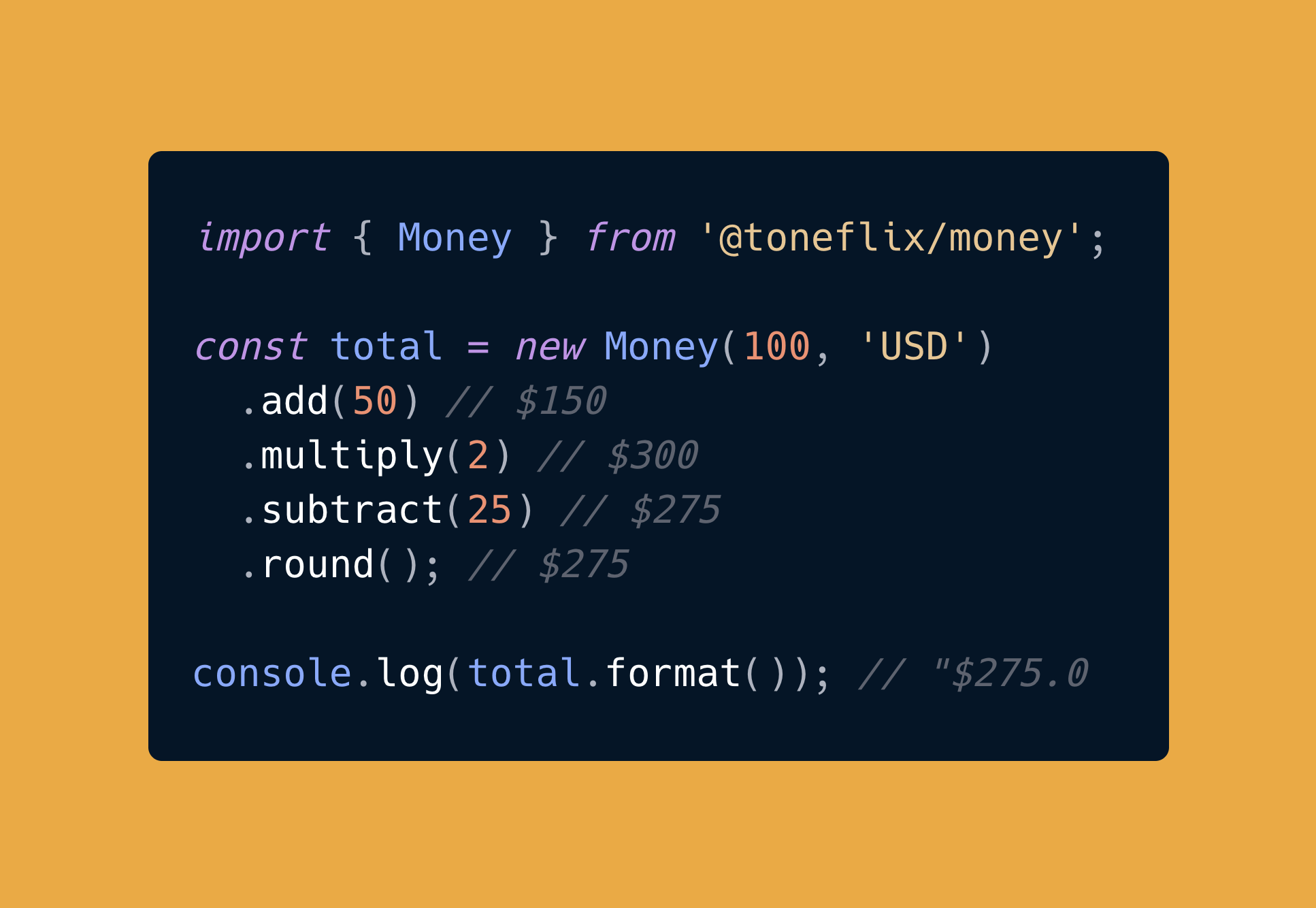
const total = new Money(100, 'USD').add(50).multiply(2).subtract(25).round();

console.log(total.format()); // "$275.00"
Setting Default Currency
Set a default currency for all Money instances:
import { Money } from '@toneflix/money';

Money.setDefaultCurrency('EUR');

const money = new Money(100);

money.format(); // "€100.00"
Negative Numbers
Handle negative amounts with different styles:
import { Money } from '@toneflix/money';

const money = new Money(-100, 'USD');

// Minus sign (default)
money.setNegativeStyle('minus');

money.format(); // "-$100.00"

// Parentheses (accounting style)
money.setNegativeStyle('parentheses');

money.format(); // "($100.00)"
Next Steps
- Learn more about Money Formatting
- Explore Currency Conversion
- Learn how to configure Exchange Rate Providers
- Master Mathematical Operations
- Check the API Reference